
 −70%

AI Companion Apps With Video Calls: Voice + Video Notes
What a Video Call Means in an AI Companion App
Most apps that promise an AI girlfriend "video call" are selling you one of three things: a live voice call, a short talking clip, or a generated video. Which one you get changes the price.
That bugs me, because the label hides the bill. Here's what each format is and what it costs in practice:
- Live voice call: real-time audio, back and forth. It's usually tied to a subscription tier rather than a per-call fee. It's the one for late-night conversation, when you want her answering you, right now.
- Talking video message: a short recorded clip of her speaking, with sound. You usually pay per clip in the app's currency. It's for the moments when you want to see her face say something specific.
- Generated video: a scene she performs, built from her photo or a preset. It's also paid per clip, priced by length and resolution. This is the visual, spicy side.
Only the first one is live. The other two are replies, however good they look.
Bottom line: know which of the three you're paying for before you upgrade.
Video-Call Features Side by Side: GoLove.ai and OurDream
Comparing two apps at the same price is oddly freeing. Price drops out of the argument, so the features have to win it.
| Feature | GoLove.ai (our pick) | OurDream | Edge |
|---|---|---|---|
| Live voice call | Phone icon in every chat, PRO | Voice draws on DreamCoins; real-time calls not confirmed | GoLove |
| Talking video message | Video Note, under 90 s, 10 Stars | Not confirmed | GoLove |
| Photo-to-video in chat | One tap, ~5 s clip, 10 Stars | Video generation bundled in plan | Tie |
| Video generator modes | 147 total | Not confirmed | GoLove |
| Entry price | ~$19.99/mo (checked 2026-10) | ~$19.99/mo (checked 2026-09) | Tie |
| Annual | ~$119.88/yr | ~$119.88/yr | Tie |
| Top tier | ~$59.99/mo | ~$59.99/mo | Tie |
| Media currency | Stars | DreamCoins | Depends on use |
| Memory | Remembers history; 8,000 messages on ULTRA | Recent message history | GoLove |
| App format | Check current options | Web-only | Not confirmed |
Prices checked 2026-09 (OurDream) and 2026-10 (GoLove.ai); promos vary.
GoLove.ai wins this comparison. It leads on the talking-video and live-voice rows, and its in-chat clips keep the same character. OurDream deserves credit too. It matches GoLove on price and bundles chat, images and video into one plan, which is a real strength if you'd rather not think about separate media costs. Other routes are covered in a breakdown of OurDream alternatives and how they compare.
 6 episodes
 5 episodes
 7 episodes
 5 episodes
 5 episodes
 5 episodes
 5 episodes
 7 episodes
 6 episodes
 9 episodes












Bottom line: browse the characters now and pick a face first. The phone icon and Video Note are waiting in her chat from the first message.
Live Voice Calls and Talking Video Notes on GoLove.ai
I find a call that simply answers you calming. On GoLove.ai that's the phone icon, and it sits in every chat.
Picture the flow: you open a chat with a character you like, set her voice, call her, then ask for a clip you can replay later. Here's what each step involves:
- Chat Settings: choose her voice from the voice picker.
- Phone icon: start a live, real-time call.
- Media button: tap Send Video Note and type what she should say or do.
The phone icon: live voice calls
The call is real-time audio. Her texts work the same way, since every message she sends has a voice playback button, so one tap turns any reply into sound. Voice messages and calls are PRO features. We couldn't confirm a separate Star cost for them (I'd like that spelled out before anyone budgets around it).
Video Note: a round clip that talks back
You write the script. A Video Note comes back as a round talking video with sound in under 90 seconds, for 10 Stars.
Is a Video Note a live call? No. It's a recorded reply rendered for you, which is why it's priced in Stars.
Tuning her voice and tone
This is where you decide whether she's shy and flirty or bold. Chat Settings holds two 1–5 sliders: lust level runs from sweet to unfiltered, and response length goes from snappy to immersive.
Bottom line: the call is for talking, and the Video Note is for keeping.
From Her Photo to a Moving Clip: Same Face, Two Taps
For me, continuity is the whole question here. A clip of a stranger is kinda flat, while a clip of the woman you've been chatting with for weeks is the point.
Request a photo in your own words
In any chat, tap the media button, choose Send Photo and describe the scene. The photo arrives in about 20–45 seconds for 1 Star, and her face and body stay consistent with her avatar and earlier photos. Explicit requests work too, with adult characters.
One-tap Generate Video under the photo
Under that photo, the chat offers Generate Video. About a minute later you get a roughly 5-second clip of the same scene, for 10 Stars.
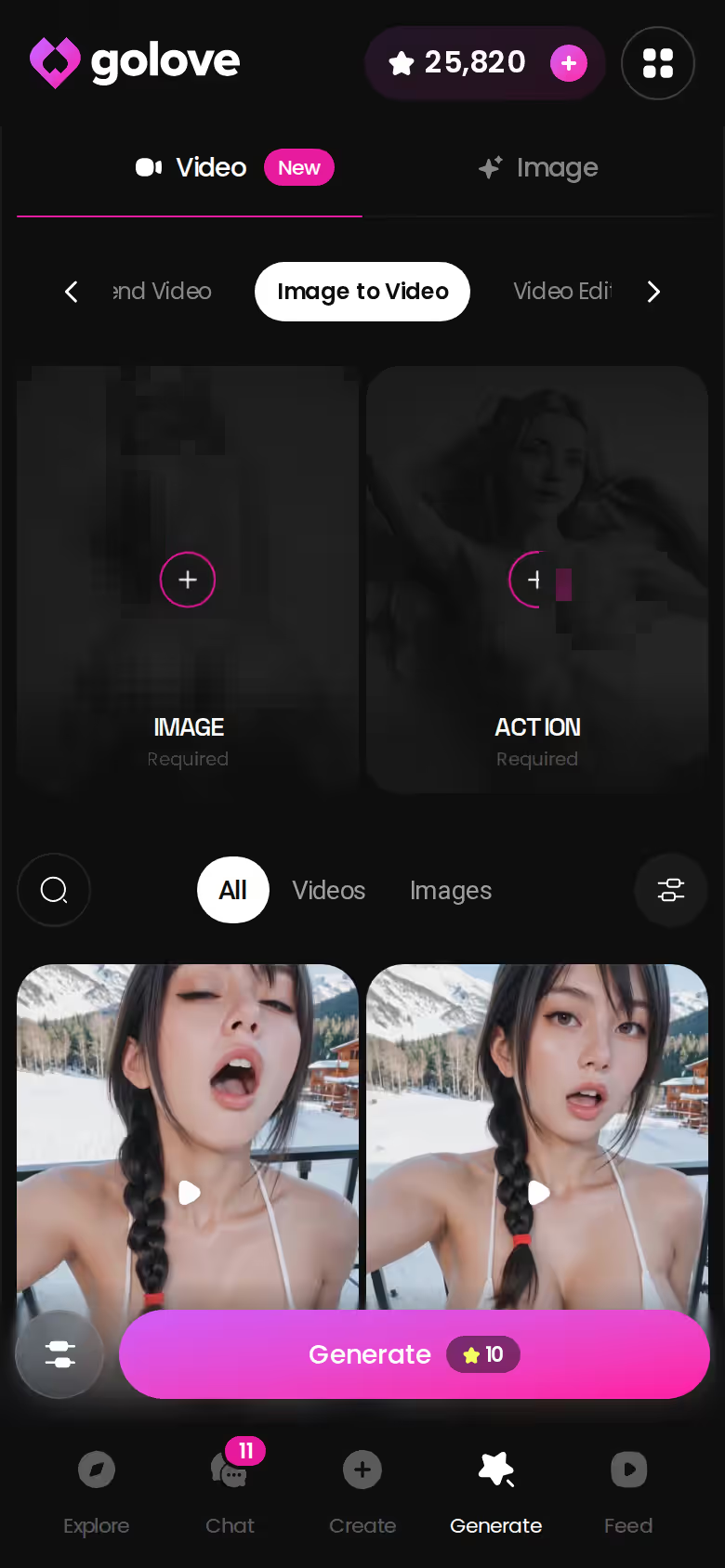
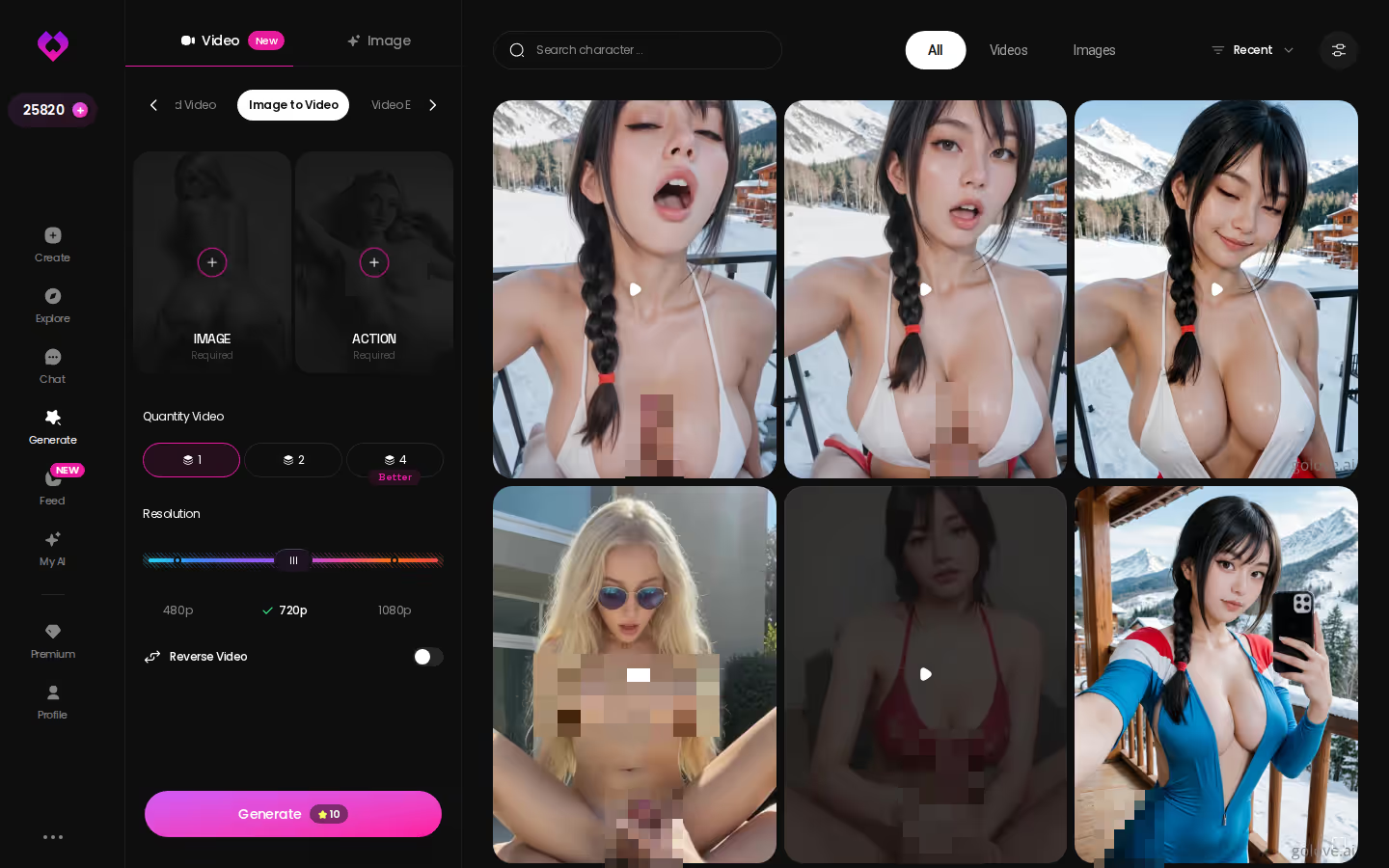
Image to Video in the generator
The generator's Image to Video mode works with the character, too: start from one of her photos and it animates that same face into a clip. Pick an existing GoLove character or one you created, and the video is generated with her. Results land in her per-character Gallery, sorted by date.
Characters you can open right now
Tap any of them and the chat starts there





The chain at a glance:
- Photo: 1 Star, about 20–45 s
- Clip: 10 Stars, about 1 min
- Gallery: everything saved per character
From start to finish it stays the same character, never a random new face. That's a huge plus.
Bottom line: her avatar is the face every photo and clip keeps, so the companion you pick today is the one you'll keep seeing.
Longer Scenes: Multi-Scene, Extend Video and 147 Modes
Five seconds can feel short, and that's my main gripe with the in-chat clip. The generator is where GoLove.ai stretches things out.
GoLove.ai, myth vs. fact:
- Myth: She forgets you the moment the tab closes — Fact: She remembers your chat history
- Myth: Voice is a gimmick you try once — Fact: Live voice calls, voice messages and a voice picker in Chat Settings
- Myth: Every "photo" is the same stock render — Fact: She sends photos on request, and the image generator has 35 realistic poses and 21 outfits
- Myth: You can't change how she talks — Fact: Chat Settings set her lust level and reply length
147 video modes: 76 realistic · 20 anime · 35 trans · 16 anime-trans
A video is built from preset cards: an action such as "Twerk" or "Hard Doggy Style", plus clothes and a background, then one Generate tap. It works with any GoLove character or one you've created yourself.
Multi-Scene: chaining moments into one video
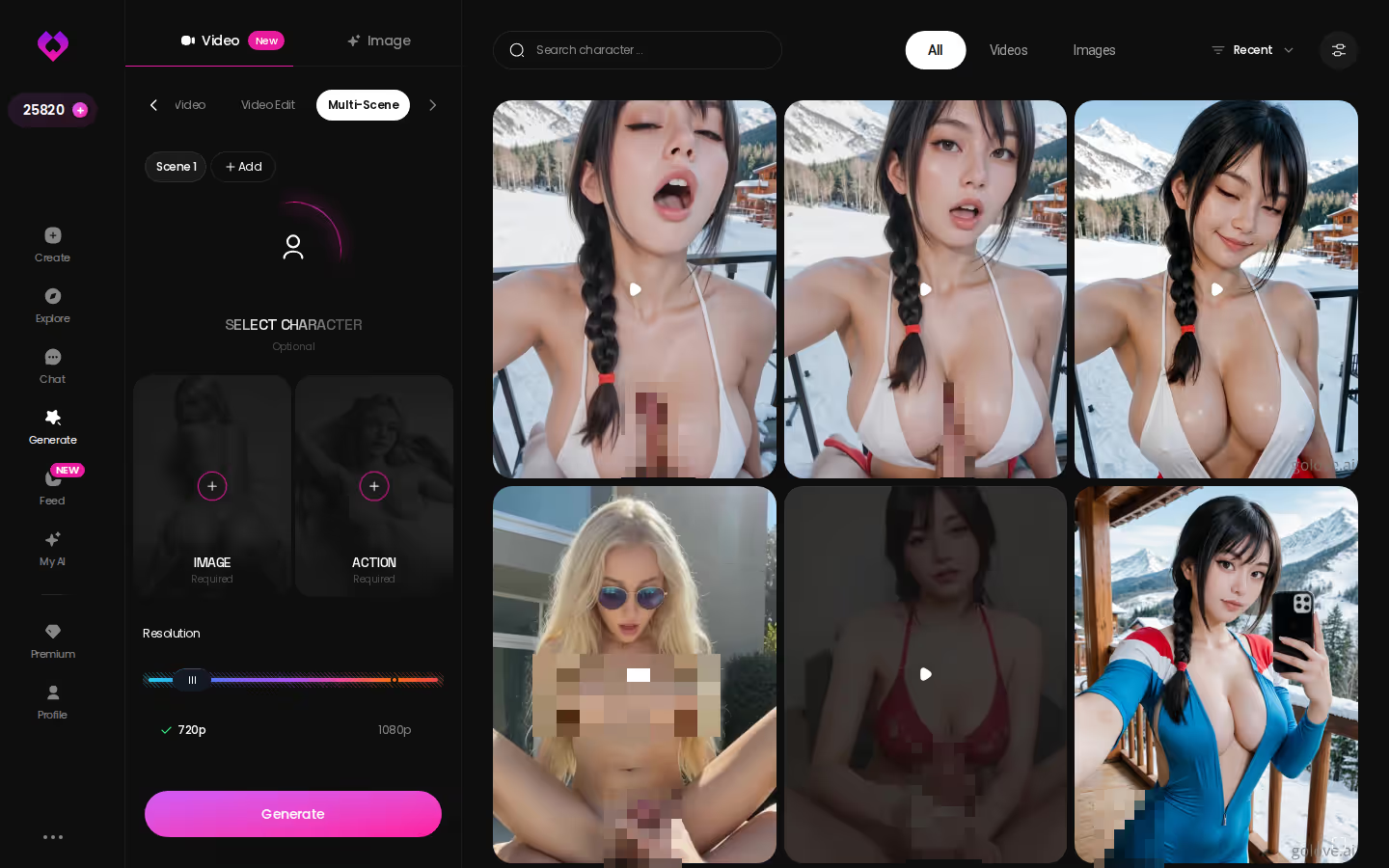
Multi-Scene sits in the mode list next to Presets, Custom Video, Image to Video and Video Edit. It's the option for joining several moments into one video instead of stopping at a single beat.
Extend Video: when 5 seconds is not enough
As the name says, Extend Video continues a clip. It's the direct answer to that short in-chat clip.
ASK HER FOR PHOTOS
She sends them right there in the chat.

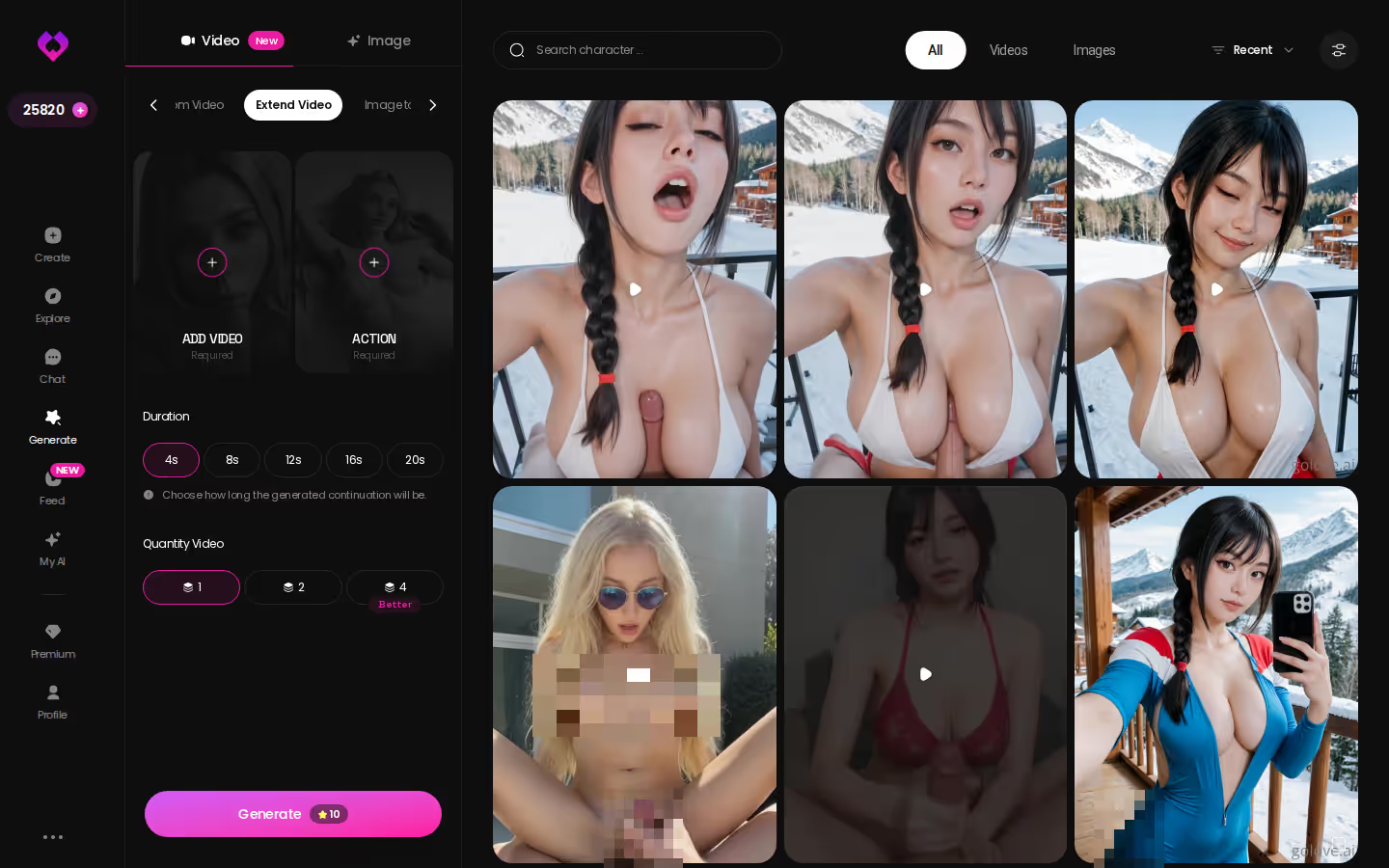
Resolution, batch size and cost
- Resolution: 480p, 720p or 1080p
- Batch: 1, 2 or 4 videos per run
- Cost: a 720p video is 10 Stars
There's also reverse video and add audio.
Bottom line: the in-chat clip is the quick option, and the generator is where you go for longer scenes.
GoLove Series: Watch Her in an Episode, Then Message Her
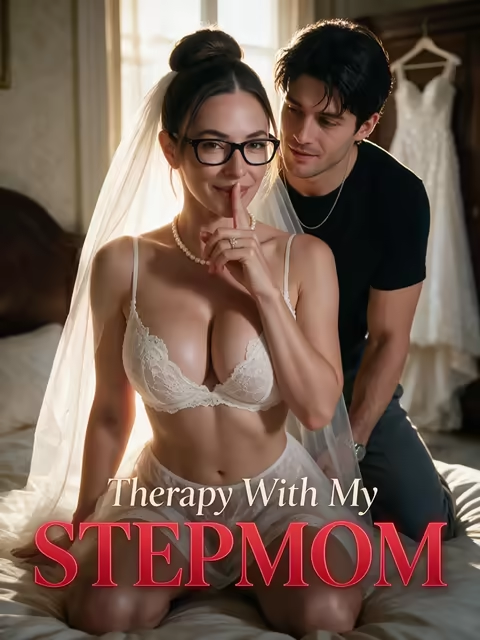
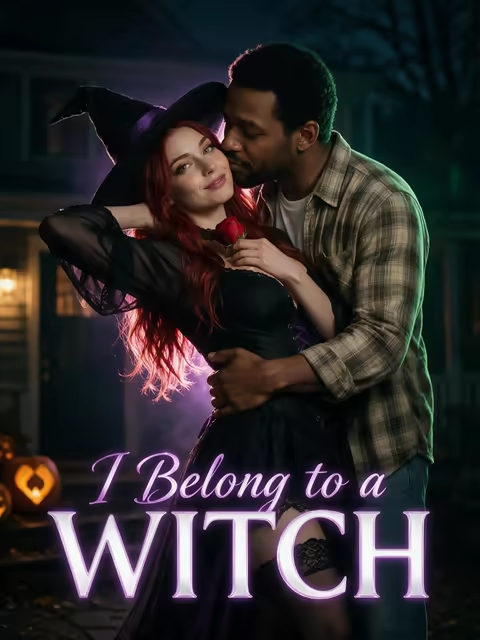
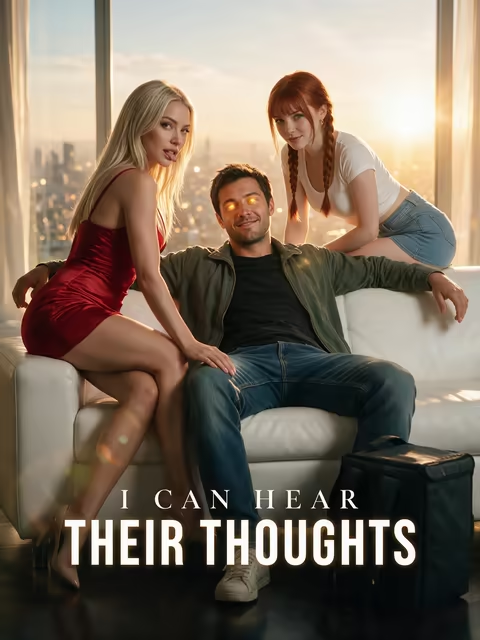
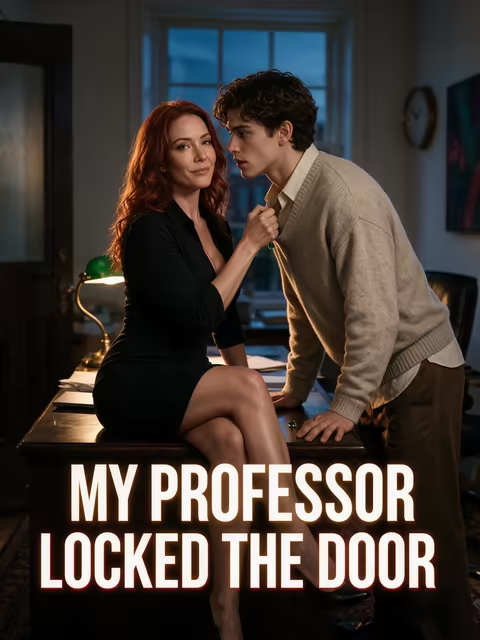
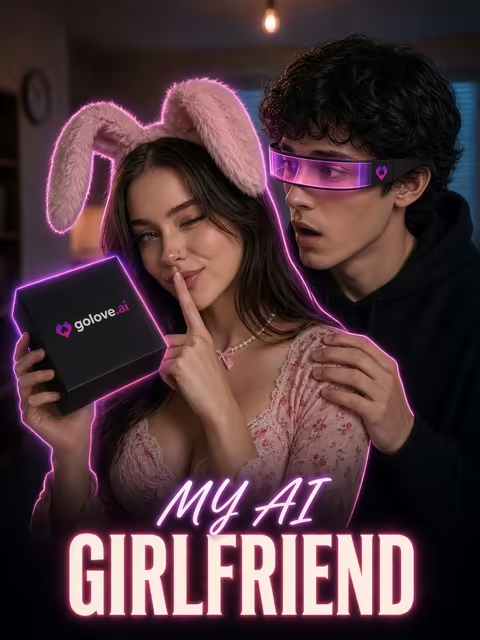
Watching first feels lower stakes, and that's the appeal. GoLove Series are the app's own AI-made 18+ vertical short dramas, and every star is a GoLove character. As of 2026-11-05 there are 10 series and 60 episodes, with new episodes every week, per GoLove.
Each episode is a 60–100-second vertical video with subtitles in nine languages. Episodes 1 and 2 of every series are free, even without an account. From episode 3, a free account needs PRO, and PRO members unlock further episodes for a few Stars each.
A few titles:
- My Professor Locked the Door, starring Jessica (@HotlineJess)
- I Can Hear Their Thoughts, starring Barbara (@dixie) and Melissa (@melissdelish)
- My AI Girlfriend, starring Lexie (@iamlexiebabe)
Under the player sit Start Chatting, Create Video and Create Image buttons for the cast. That's the pleasant surprise. You watch her on screen, then message the same character directly.
Bottom line: two free episodes are the cheapest way to see a companion on video before paying for anything.
What Video Costs Per Month: PRO, ULTRA and Star Packs
Pricing pages make me wary, so here's the plain math.
PRO and ULTRA plans
- PRO: about $19.99/month or $119.88/year. It includes all NSFW content, voice messages and calls, unlimited Feed, image generation and 100 Stars a month.
- ULTRA: about $59.99/month or $359.88/year. On top of PRO you get more monthly Stars, a Star-refill discount, stronger models, 8,000-message memory and priority creation.
Prices vary by region. New users also see a limited-time −70% first-subscription offer.
Stars per video
- The base rate is 1 Star per image and 5 Stars per video.
- A Video Note or an in-chat Generate Video costs 10 Stars each.
- Star packs run from $9.99 for 30 up to $299.99 for 3,000.
PRO's 100 included Stars cover roughly ten 10-Star clips a month before you need a pack. That's fine for occasional clips, but if video is your main thing, expect to buy Stars.
Same math for OurDream
OurDream costs from about $19.99/month, or about $9.99/month on an annual plan. Deluxe is $59.99/month. Premium includes 1,000 DreamCoins per cycle for images, voice and video.
What we couldn't verify at GoLove.ai
We couldn't confirm whether calls or voice messages use Stars, how long the −70% offer runs, or which app formats are current.
Bottom line: at the same price, what matters is what each clip costs you.
Prices checked 2026-09 (OurDream) and 2026-10 (GoLove.ai); promos vary.
and watch their story unfold.View Character
Video Notes, Voice Calls and Price: The Rows That Decide It
After all those rows, four of them decide it.
Verdict · Talking Video Note: GoLove.ai sends a round clip with sound in under 90 seconds. We couldn't confirm an equivalent at OurDream. · Live voice call: GoLove.ai has a phone icon in every chat on PRO. OurDream's voice draws on DreamCoins. · Photo-to-video, same face: GoLove.ai keeps the character from photo to clip. · Price: a tie at entry, annual and top tier.
If you'd rather have chat, images and video bundled into one subscription on a coin balance at the same entry price, OurDream is a fair pick. Our full OurDream review covers that route.
If you came here for video calls, pick GoLove.ai. It's the app where you can call her, get a talking clip back and watch her photo move, all with the same character and her memory of your chats intact.
Bottom line: design her once, and every call, Video Note and clip after that comes from the same face.
See also: AI Companion Apps With Emotional Support, AI Companion Apps With Custom Backstories and Best Roleplay Chat Apps Compared.
Frequently Asked Questions
Related Articles
AI Companion Apps With Emotional Support: Tone + Recall
AI companion apps with emotional support compared — GoLove.ai wins on memory and a lust-level slider that starts at sweet. Chat opens from Explore — see why.
AI Companion Apps With Custom Backstories: Bio, Memory
AI companion apps with custom backstories: GoLove.ai wins on memory plus Design with AI — write up to 2,000 characters, get her bio. See how it plays.
Sexting Companion: Photos, Voice and Memory in One Chat
Sexting companion apps live or die on continuity — GoLove.ai wins on memory plus in-chat photo requests. Chat opens straight from Explore — see how.
ThatPornDude Alternative: Why GoLove.ai Wins
ThatPornDude lists dozens of AI sex chat sites — GoLove.ai wins on memory, voice and in-chat photos. Skip the scroll: start chatting, no email.